
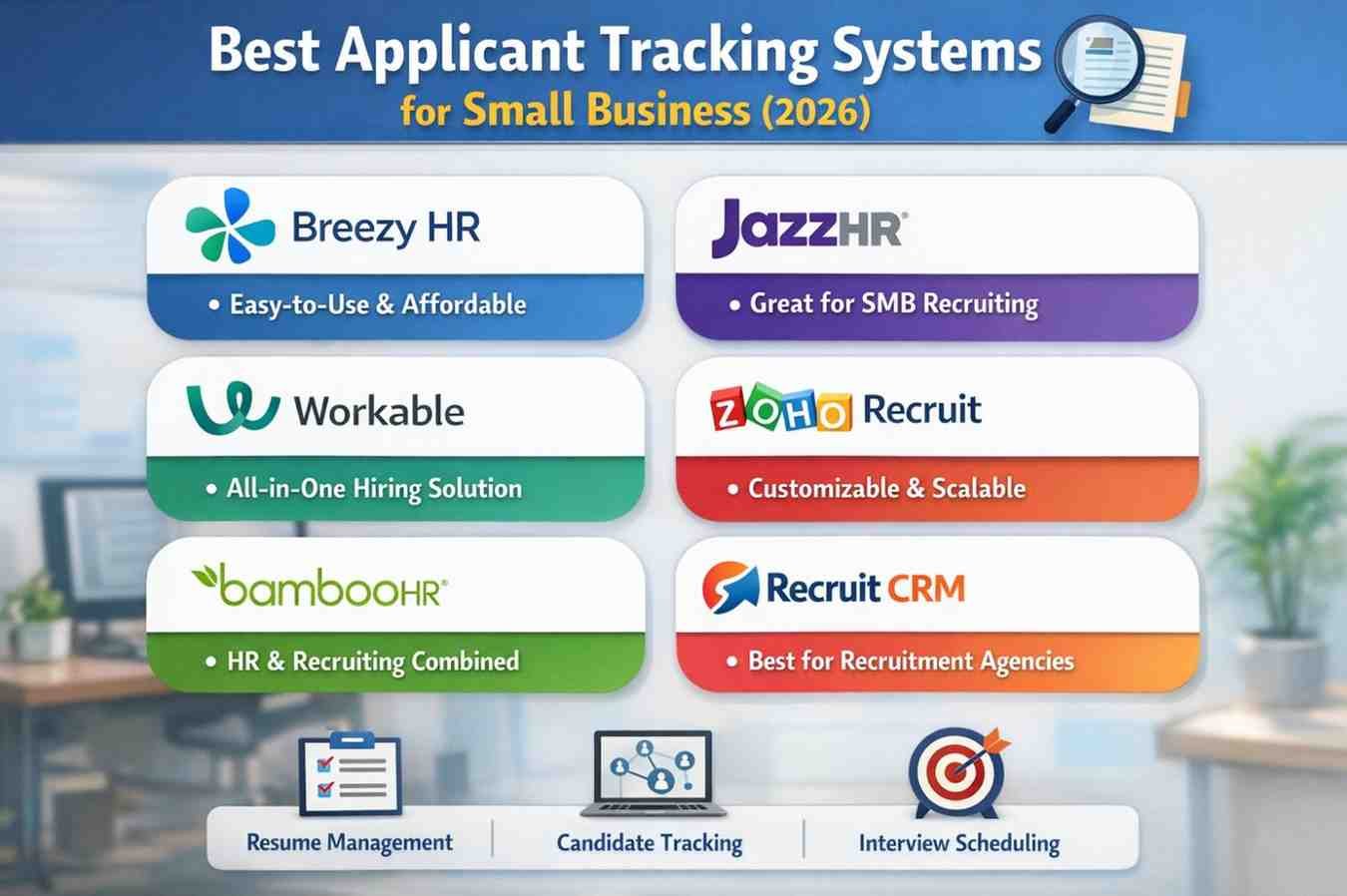
Best Applicant Tracking System for Small Business (2026)
Finding the right people shouldn’t feel like a second full-time job. For most small business owners, the struggle isn’t finding candidates; it’s managing the chaos that follows a job posting. If you’ve ever lost a great hire because you forgot to reply to an email, you know the pain. In 2026, the best applicant tracking system for small business recruitment isn’t a luxury. It is a core requirement for staying competitive.
We see too many service providers try to “brute force” their way through hiring. They post on LinkedIn, get flooded with resumes, and then realise they have no way to rank them. This leads to burnout and bad hires. A proper ATS handles the heavy lifting—sorting resumes, scheduling calls, and keeping your pipeline clean—so you can focus on running your business.
Why Small Businesses Fail at Hiring Without Automation
Most startups think they can wait until they are “big enough” for software. That’s a mistake. By the time you feel big enough, you’re usually too busy to implement new tools. Manual recruiting is slow, prone to bias, and creates a terrible experience for the candidate.
High-quality talent in 2026 expects a smooth, digital-first experience. If your application process is clunky, they will leave. We want to help you avoid that. By using hiring automation tools for startups, you create a professional image that attracts better talent from day one.
Top ATS Software Comparison for Hiring
Selecting a platform requires looking at more than just a list of features. You need to know how these tools perform in the real world. We have compared the top contenders based on their ability to save you time and money.
| Tool | Best For | Key Advantage | Starting Price |
| JazzHR | Budget-Conscious Teams | Excellent job board syndication | $49/month |
| Breezy HR | Collaborative Hiring | Visual drag-and-drop pipelines | Free (1 Job) |
| Workable | Fast Scaling | AI-powered candidate sourcing | $149/month |
| Zoho Recruit | Customization | Deep integration with Zoho CRM | $30/month |
| Gusto | All-in-One HR | Payroll and hiring in one place | $80/month |
JazzHR: The Practical Choice
If you want something that works out of the box without a steep learning curve, JazzHR is a solid bet. It focuses on the essentials: posting to job boards, tracking candidates, and generating offers. We like it because it doesn’t try to be everything to everyone. It just helps you hire faster.
Breezy HR: The Visual Pipeline
For those who love a Kanban-style board, Breezy HR is fantastic. You can see exactly where every candidate stands at a glance. It also offers a “Bootstrap” plan, which is great for a single opening. This makes it one of the most affordable applicant tracking systems on the market for very small teams.
Essential Recruiting Workflow Tools for Small Businesses
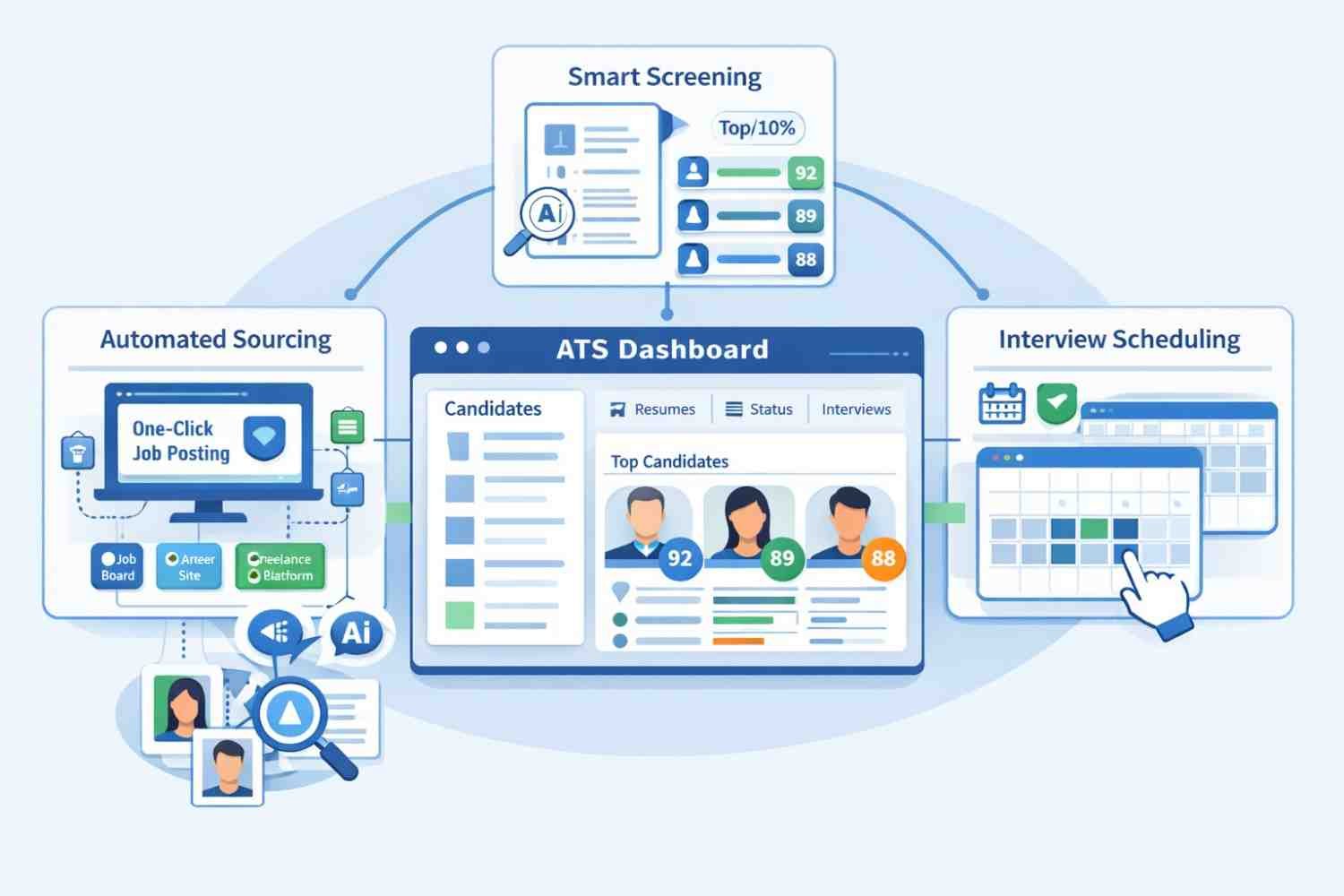
A good ATS is more than a resume database. It should act as a central hub for your entire hiring strategy. To win in 2026, your toolkit needs to address three specific areas: sourcing, screening, and scheduling.
Automated Sourcing and Syndication
You cannot rely on one job board. The best applicant tracking system for small business recruitment should push your job to 100+ sites with one click. Tools like Workable use AI to find “passive” candidates who haven’t even applied yet. This is a game-changer for specialised service roles where the best talent isn’t actively looking.
Smart Screening and Parsing
Stop reading every resume. Modern hiring automation tools for startups use NLP to parse resumes and rank them based on your specific requirements. This isn’t about “rejecting” people; it’s about prioritising your time, so you speak to the top 10% first.
Self-Service Interview Scheduling
The back-and-forth of “Are you free Thursday at 2?” is a massive time-waster. Your ATS should integrate with your calendar. Candidates should be able to pick a slot that works for both of you. This single feature can shave days off your time-to-hire.
Affordable Applicant Tracking Systems: What to Look For
Price is always a factor, but the cheapest option can cost you more in the long run if it doesn’t integrate with your current setup. For instance, if you use LinkedIn heavily, you need to know how to reach out to recruiters on LinkedIn and how that data flows into your ATS.
Avoid “Feature Bloat”
Many enterprise-level systems charge for features a small business will never use. You don’t need complex “workforce planning” modules or global compliance suites yet. Stick to tools that offer modular pricing. This allows you to pay for what you need today and scale up as your headcount grows. Prioritisee
Ease of Use
If the software is hard to use, your team won’t use it. We recommend trying a free trial before committing. If you can’t figure out how to move a candidate from “Screening” to “Interview” in under ten seconds, move on to the next tool.
Integrating Hiring Automation Tools for Startups
Automation is no longer a “nice to have” feature. In 2026, it is how you survive. Startups specifically need to move fast. If you take two weeks to make an offer, the candidate is already gone.
Automated Email Nurturing
Keep your candidates warm with automated touchpoints. Even a simple “We’ve received your application and will review it shortly” goes a long way. This builds your employer brand and keeps people engaged.
Data-Driven Decision Making
Don’t hire based on a “gut feeling” alone. Use scorecards and structured interviews within your ATS. This allows you to compare candidates objectively. You can see which sourcing channels are giving you the best ROI and double down on them.
Conclusion
The best applicant tracking system for small business recruitment is the one that actually gets used. Whether you choose the budget-friendly JazzHR or the feature-rich Workable, the goal remains the same: stop wasting time on admin and start building your team.
At ChooseMarketers, we know that streamlining your workflow is the only way to scale a service-based business. Hiring is your most important marketing activity—because your people are your product. Don’t let a bad process hold your growth back. If you are ready to fix your recruitment pipeline and turn “searchers” into “leads,” it starts with the right tech.
Frequently Asked Questions (FAQs)
Is a free ATS worth it for a small business?
Yes, for very low-volume hiring. Tools like Breezy HR offer great free tiers for one active job. However, once you are hiring for multiple roles, the limitations on reporting and automation usually make a paid plan more cost-effective.
How much should a small business spend on an ATS?
Expect to pay between $50 and $200 per month for a solid, entry-level system. This is a small price to pay compared to the cost of a “bad hire,” which can cost a company thousands in lost productivity and training.
Does an ATS help with SEO for job postings?
Absolutely. The best systems automatically optimise your job descriptions for Google for Jobs. This increases your visibility and ensures you get more organic applications without spending a fortune on “sponsored” posts.
Can I integrate my ATS with my payroll?
Many modern systems, like Gusto or Rippling, offer integrated hiring and payroll. This is highly recommended for small businesses because it eliminates the need to manually enter data twice when a candidate becomes an employee.
How long does it take to set up an ATS?
Most small business systems can be “live” in under an hour. You simply upload your logo, connect your email/calendar, and post your first job. The real-time investment is incustomisingg your interview scorecards to match your specific hiring criteria.
